写一个Hopper插件hex2str
发布于
前言
之所以这么说,是因为我也是零基础写的。今天上午本来想搞一搞某个软件,放到Hopper里一看:
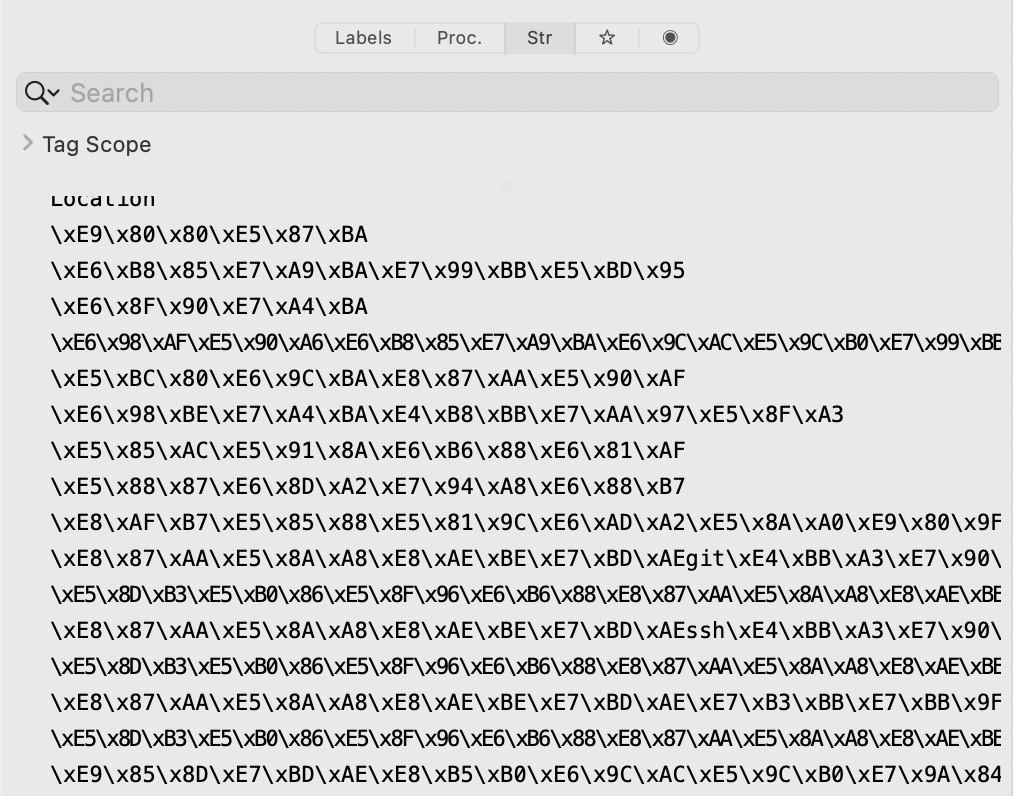 满眼的十六进制!这可怎么转换……
方法一:Python
>>> hexstr = b"\xe5\xa5\x97\xe5\x8f\x82\xe5\xb7\xb2\xe4\xbd\xbf\xe7\x94\xa8\xe5\xae\x8c\xe6\xaf\x95"
>>> hexstr.decode("utf-8")
'套参已使用完毕'
>>> 先定义字符串byte,然后使用Python自带的decode。最多像这样封装一个函数:
def hex2str(inp):
    return inp.encode('raw_unicode_escape').decode('utf-8')

print(hex2str("\xe5\xa5\x97\xe5\x8f\x82\xe5\xb7\xb2\xe4\xbd\xbf\xe7\x94\xa8\xe5\xae\x8c\xe6\xaf\x95"))如果还是觉得麻烦,最最最多用input封装成循环,写成转换小程序:
def hex2str(inp):
    return inp.encode('raw_unicode_escape').decode('utf-8')
while True:
    inp = input(">>> ")
    print(hex2str(inp))
紧接着打开Hopper,复制,打开终端,粘贴,然后就陷入了无穷的复制粘贴之中……
方法二:Hopper插件
Hopper插件终于闪亮登场!IDA插件我们耳熟能详,但是Hopper插件几乎没有用过。按下CmdShiftP,点击加号,即可创建新脚本,打开编辑。
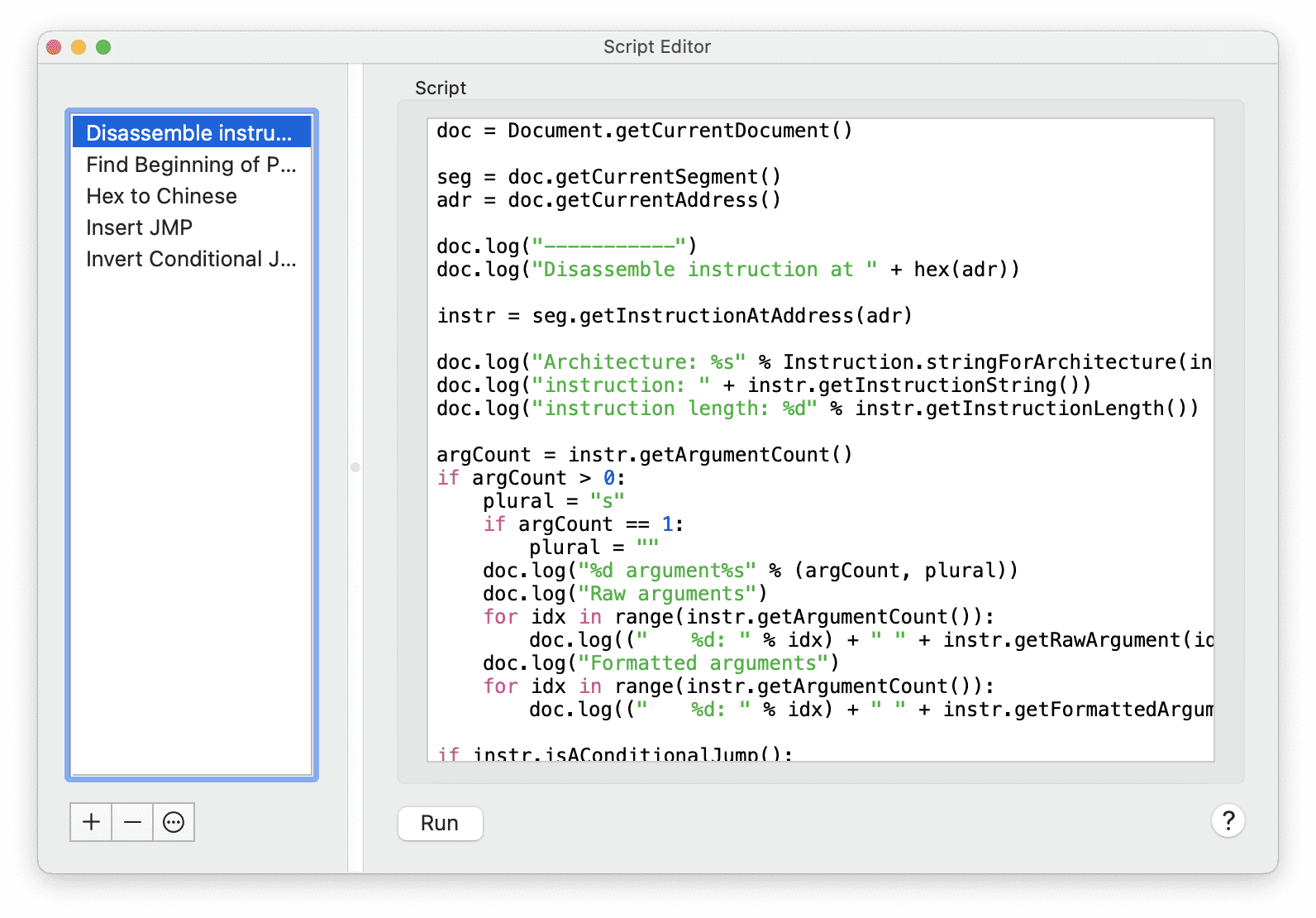 我们需要制作一个选中文本,按下快捷键就可以进行转换的插件。
Hopper插件编写的思想是:先有文件,再对文件进行操作。操作的过程也是先确定地址,再读取或写入字节。
既然是对文件进行操作,所以首先要定义一个文件常量。所有的操作都依靠这个常量(以下是文档):
getCurrentDocument()
[static]
Returns the current document.
doc = Document.getCurrentDocument()紧接着我们需要获取三个常量:鼠标所在地址、所在段(便于写注释)、选中代码的区间。
getCurrentAddress()
Returns the address where the cursor currently is.
getCurrentSegment()
Returns the segment where the cursor is. Returns None if the current segment cannot be located.
getSelectionAddressRange()
Returns a list, containing two addresses. Those address represents the range of bytes covered by the selection.
addr = doc.getCurrentAddress()
seg = doc.getCurrentSegment()
sel = doc.getSelectionAddressRange()
有了鼠标所在的地址,我们就要读取这个地址的信息,进行转换。利用如下函数:
readBytes(addr,length)
Read bytes at a given address range. Returns False if the byte is read outside of the segment.
我们将基地址给到第一个参数中,长度给到第二个参数中,再用Python的库编码。
bytes = doc.readBytes(addr, sel[1] - 1 - sel[0])
chinese = str(bytes, encoding='utf-8')
最后我们需要在对应的地址上写注释:
setCommentAtAddress(addr,comment)
Set the prefix comment at a given address.
注意,这个方法是Class Segment类的,所以应该是seg.xxx。
seg.setCommentAtAddress(sel[0], chinese)所有代码仅仅七行:
doc = Document.getCurrentDocument()
addr = doc.getCurrentAddress()
seg = doc.getCurrentSegment()
sel = doc.getSelectionAddressRange()

bytes = doc.readBytes(addr, sel[1] - 1 - sel[0])
chinese = str(bytes, encoding='utf-8')
seg.setCommentAtAddress(sel[0], chinese)
我们现在随便在汇编文件中找到一行16进制字符串。由于Hopper的特性,只需把鼠标点击那一行,就会自动选择整行。然后再到Scripts中按下对应的插件快捷键,运行:
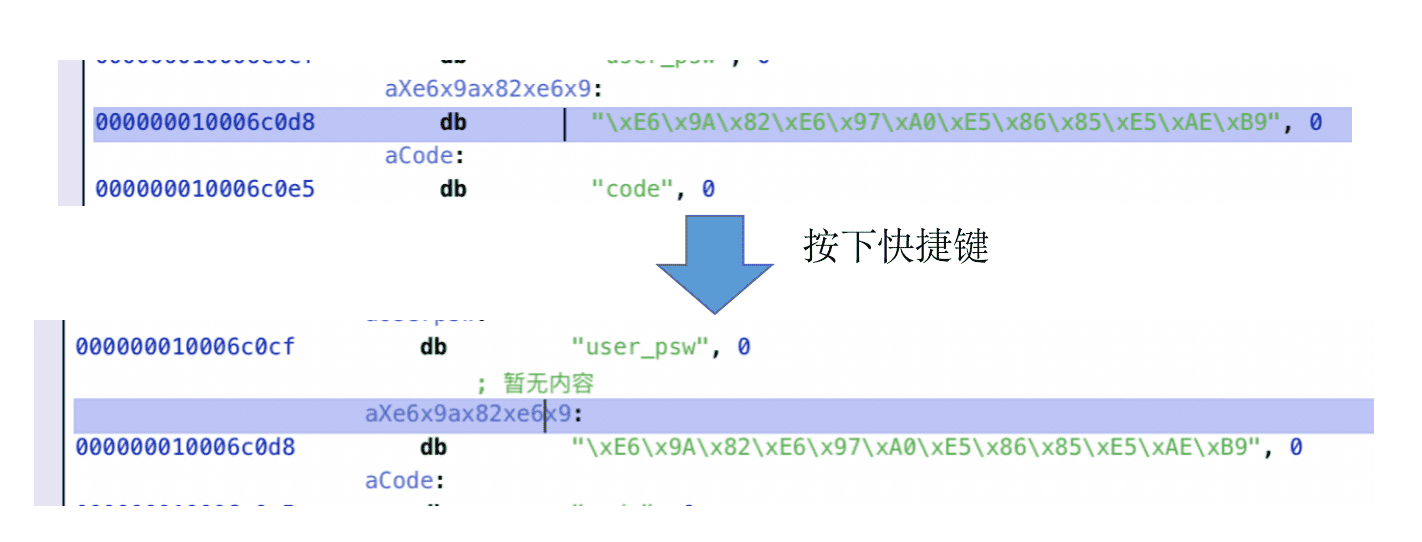 如此,我们就完成了插件的制作!